

A withholding tax, also known as a retention tax, is a government requirement for the payer of income to withhold or deduct a portion of the payment and remit it to the state.
Typically, withholding tax is treated as an advance payment toward the recipient's final tax liability.
For non-employment income, the withheld amount is usually a fixed percentage. In the case of employment income, it is often based on an estimate of the employee's total tax liability, determined either by the government or the employee.
As a result, it's important to distinguish the total invoice value from the amount actually payable by your client.
To add a withholding or deduction, go to the main menu and select Settings > Taxes > Add, and fill out the form that appears.
Title
The title refers to the name of the retention and determines how it will appear on invoices and other sections of the application.
If you want to save the title in a foreign language, click the Translations field. Elorus will detect the document's language based on the template used and automatically apply the appropriate translation.
Tax value as
Percentage
In this case, the withholding tax is calculated as a pre-defined percentage applied on the net value of an invoice or on the net value of a product/sevice line, if Let me apply this tax on the document lines as well option is chosen.
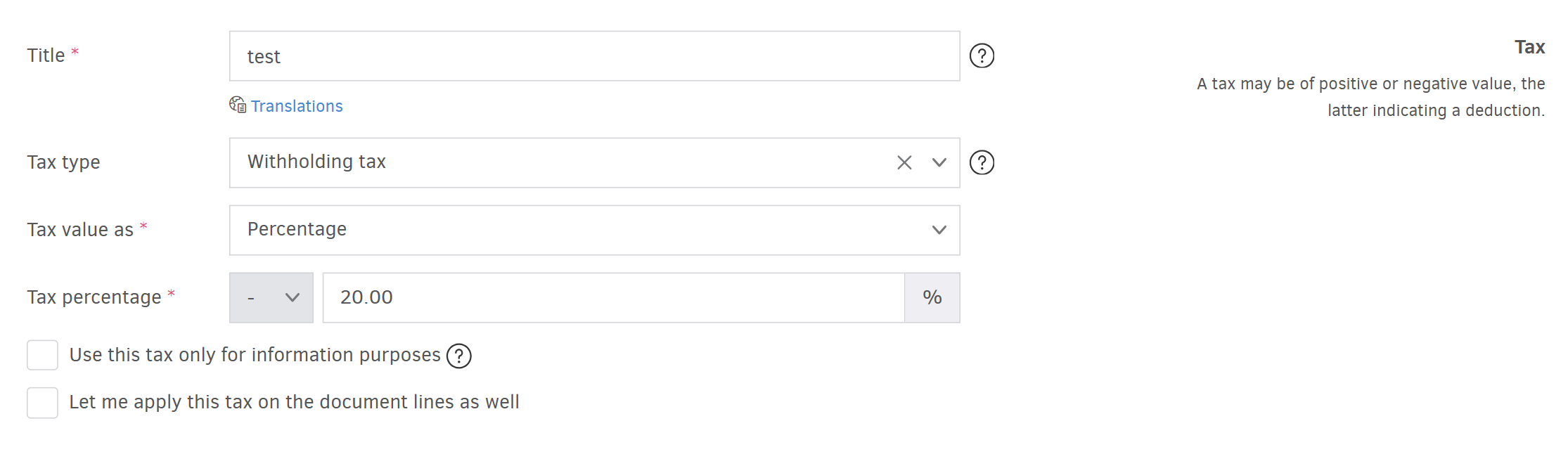
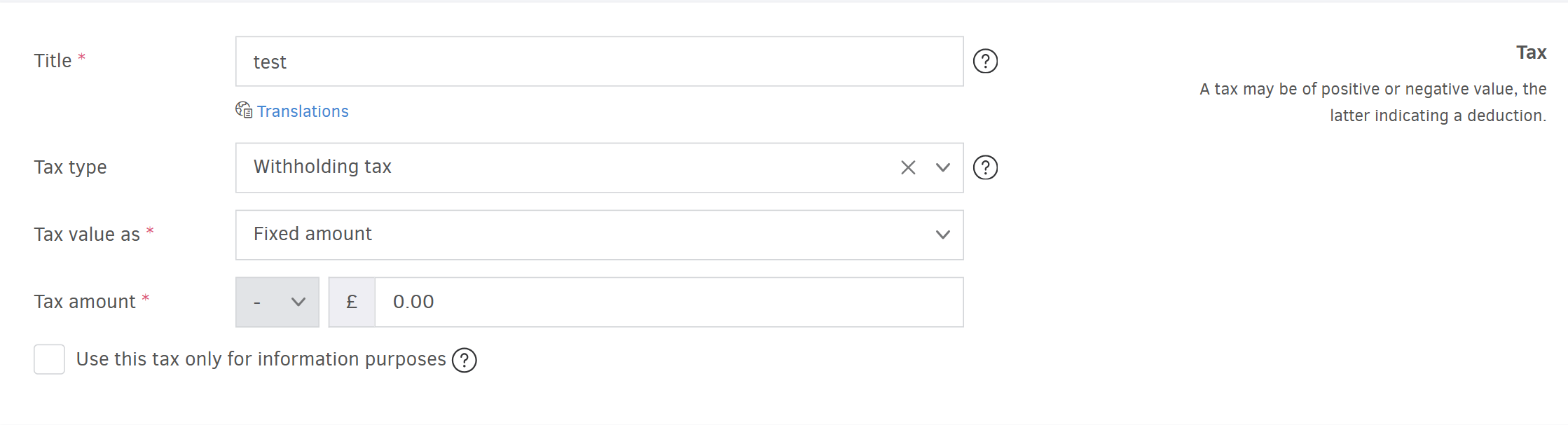
Fixed amount
In this case, the withholding tax is calculated as a predefined fixed amount that reduces the net value of an invoice or the product/service line.
Variable amount
There are cases where the percentage or amount of a withholding tax is not known in advance. This often applies to deductions related to legal fees or to amounts withheld on a case-by-case basis.
If your organization issues invoices that include such withholdings, you can create a tax with a variable amount.
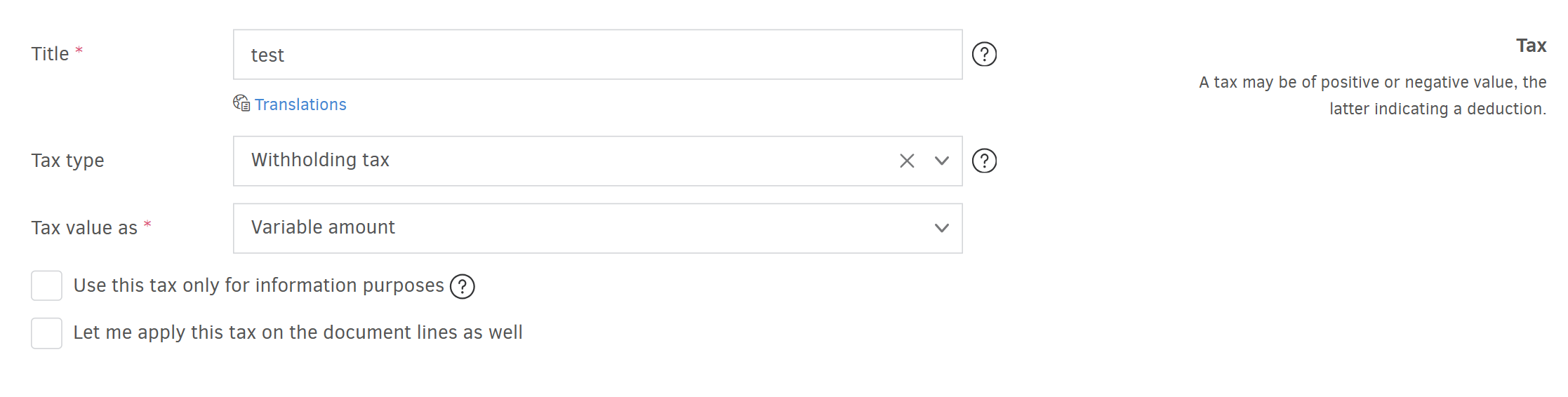
By adding the tax, you don't enter a specific amount; instead, each time you select this withholding tax when you invoice, you set the desired amount.
Tax percentage (%)
In this field, you set the percentage tax rate.
Use this tax only for information purposes
If this option is enabled, the tax will not affect the payable amount, but it will keep on appearing in the invoice, for information purposes.
.png)
Let me apply this tax on document lines as well
If this option is enabled, the withholding tax can be applied to one or more invoice line items.
.png)
Save
Once you've completed all fields, press Save to save the withholding tax in Elorus.