All financial metrics displayed in the application appear in the currency you selected when creating your organization.
Regardless of your organization's base currency, you can invoice your clients and suppliers in multiple currencies. In these cases, Elorus automatically converts the values based on the exchange rate set for each transaction.
To calculate the exchange rates in each document we use the currency layer API; a very reliable exchange rate & currency conversion service.
Elorus provides you with a full list of currencies used worldwide, including Bitcoin.
Currency selection options
Per contact
When creating or editing a contact, you can set a default currency that will be applied every time you invoice them.
.png)
Per document
A new document is assigned your contact's default currency. If the desired currency for the particular document is different, you can change it by clicking the relevant icon.
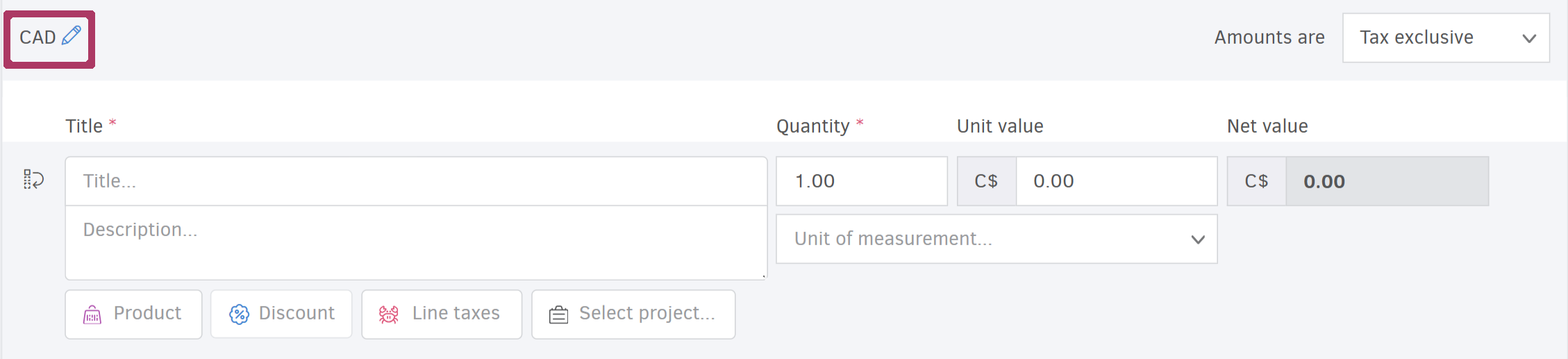
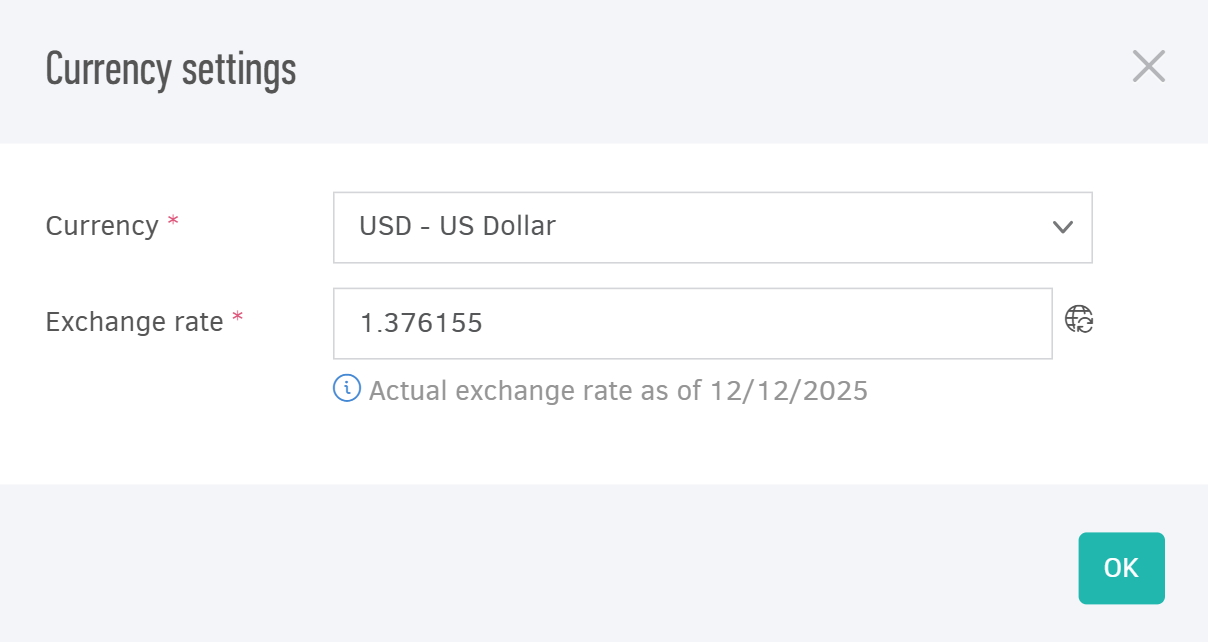
Elorus automatically informs you of the current exchange rate compared to your organization’s base currency and allows you to manually edit the displayed amount.
When issuing a credit note, the currency must match that of the original document it refers to.
Viewing the exchange rate on documents
Each saved document has its own exchange rate based on its date, which appears on the document view page above the document details.
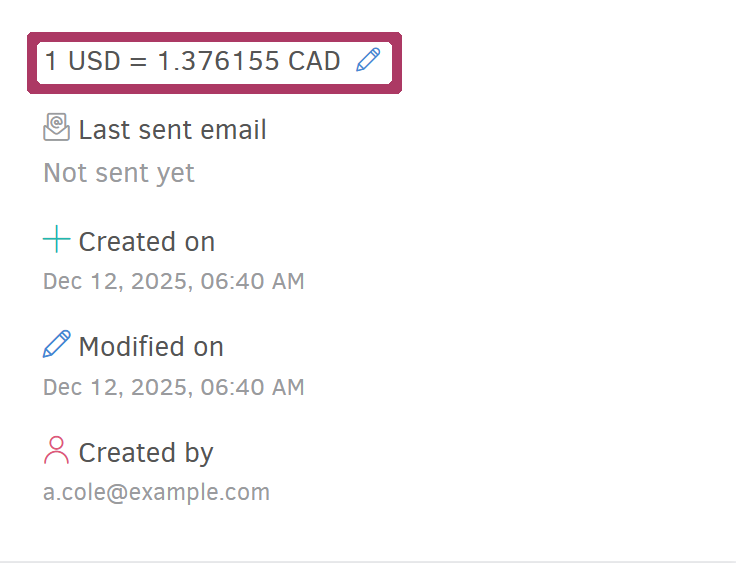
You can also check the exchange rate from the list view by clicking on the value of a specific document.
.png)
Payment gateways
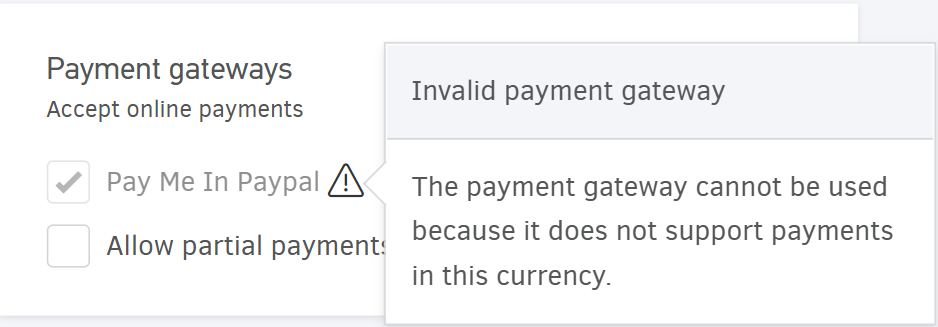
Some payment gateways do not support all currencies. As a result, the option to accept online payments may appear disabled depending on the selected currency.
Cash transactions
Similar to invoicing, when recording a payment, you can use the exchange rate Elorus generates automatically or manually adjust the amount.
This flexibility is especially useful when you have agreed on specific exchange rates with your clients or suppliers.
When you change the payment date, the exchange rate field updates automatically to reflect the actual rate for that date. It’s recommended to select the date first, and then make any necessary changes to the exchange rate.
Reports
Elorus allows you to track various report types in all currencies used in your saved documents, grouping the results by currency from the More Options menu.
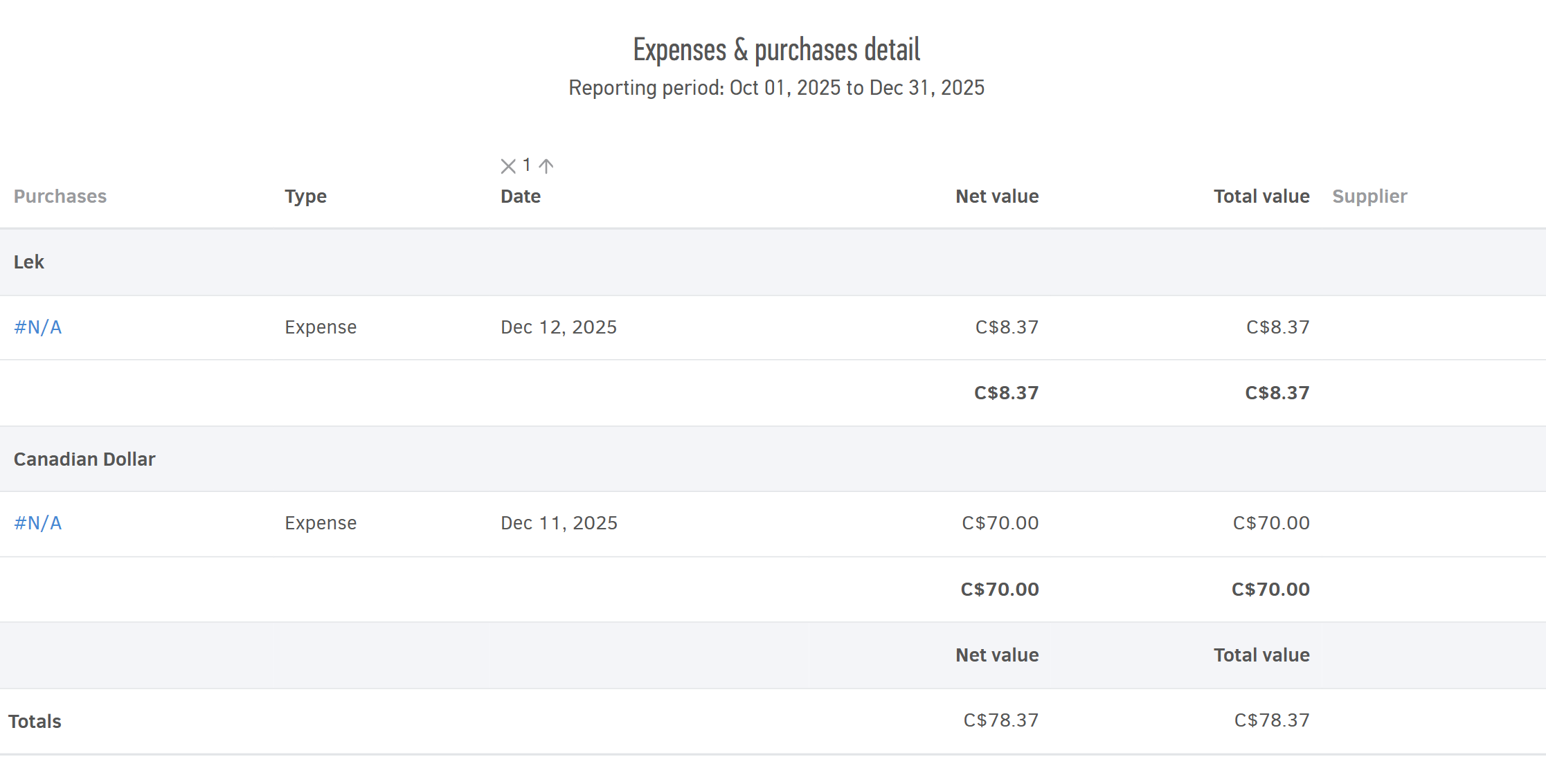
The system automatically converts all transaction values into your organization's base currency using the exchange rate defined in each document.
However, you can also view all related records in their original invoiced currency.
Example 1
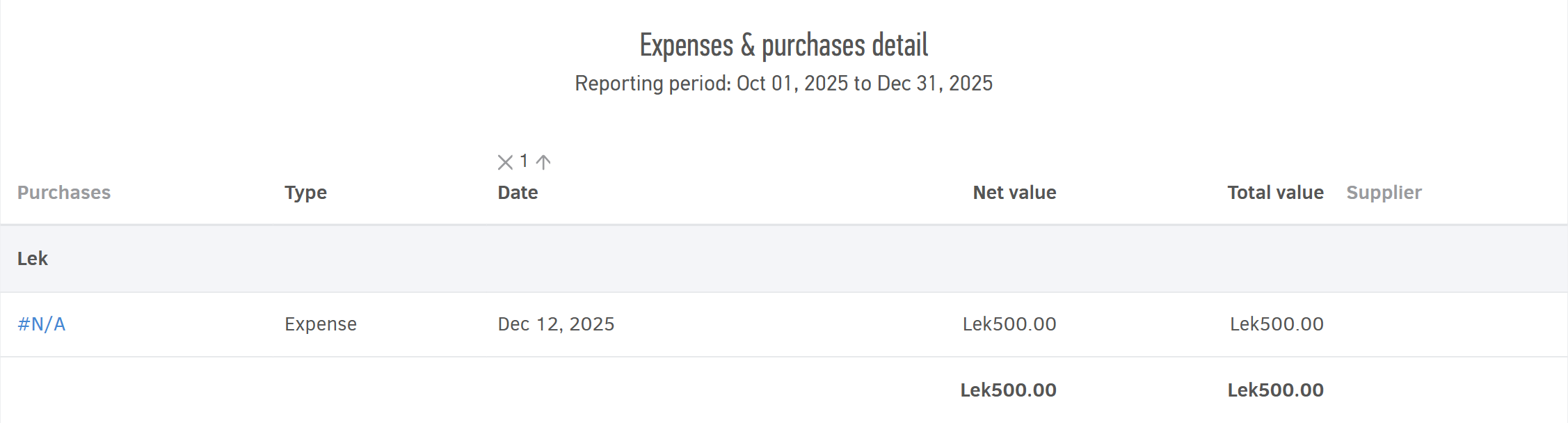
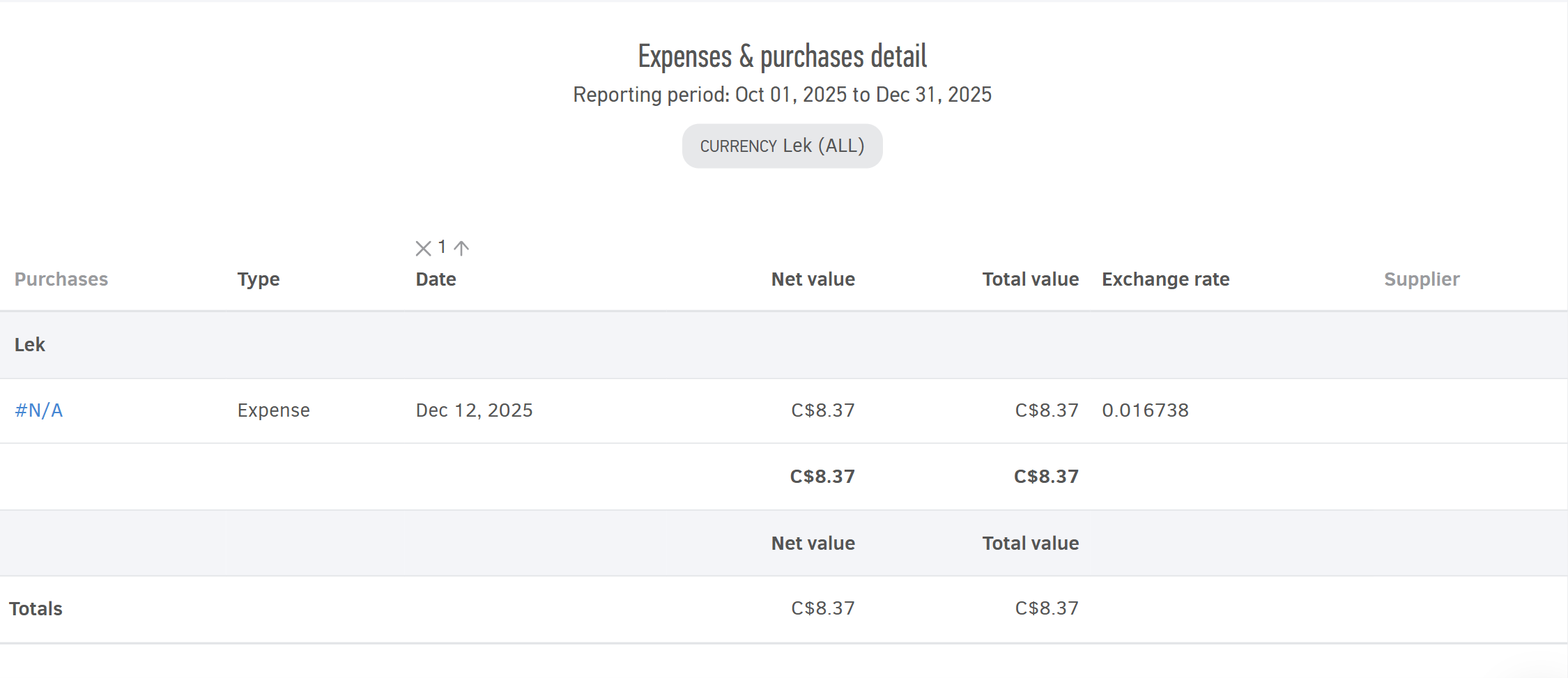
To view only your total expenses and purchases made in Lek (ALL), go to the Expenses & purchases detail report. After selecting the desired time period, use the Filters to select the relevant currency and add the desired columns (e.g. Exchange rate) from the More Options menu.
Example 2
To view the original currency used for your expenses and purchases, select the reporting period, then under More options, choose "Group results by currency" and click "Show values in their original currency".