Editing a Goods Receipt
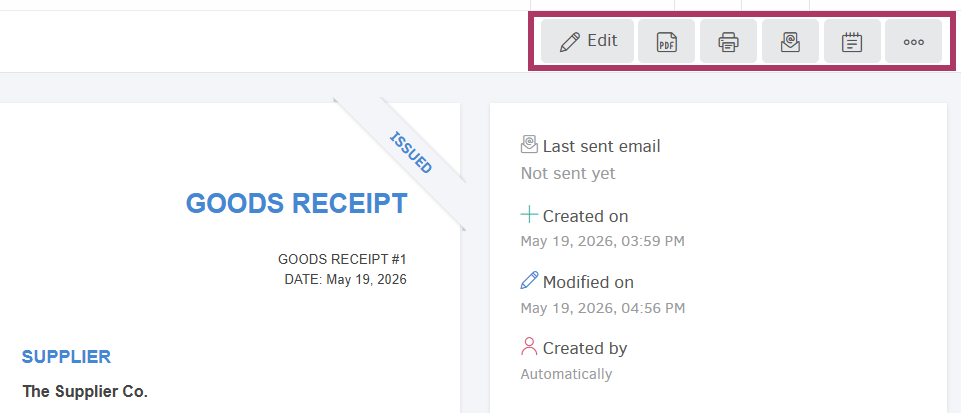
A Goods Receipt can be edited as long as it is in draft status. From the document's viewing page, select Edit at the top-right corner of the screen to access the editing page.
Managing a Goods Receipt
The following management options are available for Goods Receipts:
- Export as PDF to your device.
- Print the document.
- Send via email to the counterparty.
- Create notes (internal notes visible only to you and your team).
Events
As with all records in Elorus, you may access the Events option to see all actions performed on the document, who performed them, and when.
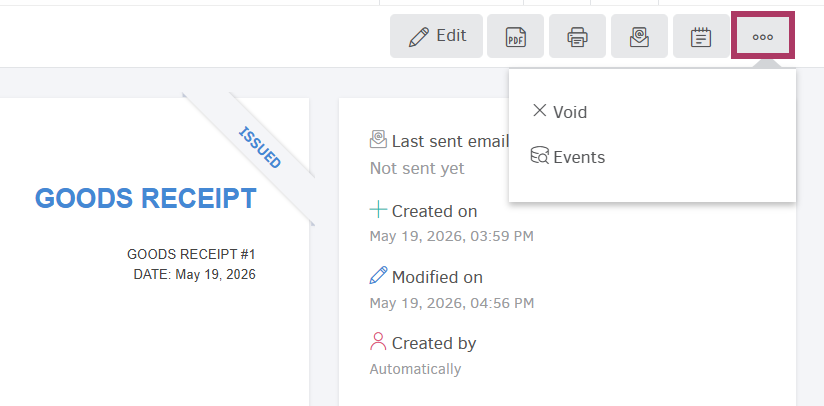
Void
If needed, you may void the document from its viewing page, by selecting the icon containing three dots > Void. This action will erase any changes made previously within the product's transaction history.
Bulk Actions
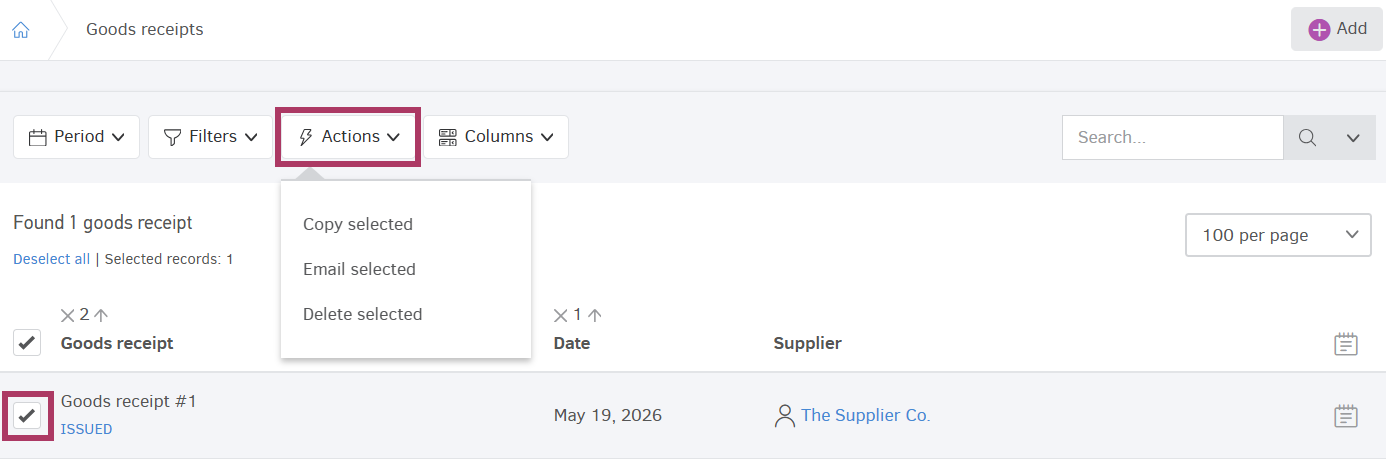
Copy Selected
It is possible to create copies for one or more Goods Receipts, by navigating to the main menu and selecting ...More > Goods Receipts, then selecting the desired entries as shown in the image below and clicking on Actions > Copy selected.
Email selected
With this option, you can send multiple Goods Receipts via email to the corresponding email addresses you have registered for each supplier (Contact).
Delete Selected
From the Goods Receipts list, select one or more entries and click Actions > Delete selected to delete multiple entries in a single action. Please note that it is only possible to mass-delete draft entries; issued documents should be edited first, so their status changes into "Draft".